AP Classroom redesign
Project summary
AP Classroom provides Advanced Placement teachers with instructional resources, assessments, reporting tools, and professional learning content. As the platform expanded, educators struggled to understand where resources lived and how different tools related to one another.
I partnered with UX and product teams to redesign the content architecture, navigation, and naming system to align with teachers' mental models, reduce complexity, and make key tasks easier to complete.
Information architecture problems
Fragmented experiences: Assignments, reports, questions, and resources were spread across multiple destinations. Teachers frequently had to go to several different sections to accomplish common tasks.
Labels didn't reflect user expectations: Teachers weren't always sure where tasks belonged. For example, "Home" wasn't functioning like a homepage as it was much more than just a landing page and was the only place to find a number of key resources.
Information architecture reflected internal systems: The structure was organized around products and features rather than teacher workflows. The IA followed the mental model of AP Program staff rather than that of teachers.
Research insights
Teachers wanted a single place to manage assignments.
Teachers wanted a single place to review results.
Teachers grouped assignable items together regardless of resource type.
Additional levels of navigation caused confusion.
My responsibilities
Content strategy
Information architecture
Navigation design
Naming and taxonomy
UX writing
Content hierarchy
Key content decisions
Decision 1: Rename "Home" to "Course Resources"
Problem: "Home" was ambiguous and conflicted with other homepages across the AP ecosystem.
Decision: Rename “Home” to “Course Resources.”
Why: The new label better communicated the content available and helped teachers predict what they'd find.
Result: Improved findability and reduced ambiguity.
Decision 2: Reduce navigation depth
Problem: The nested structure of the Question Bank created friction. Teachers had to navigate through the course curriculum and types of questions without a way to easily find what they needed.
Decision: Flatten Question Bank architecture and remove unnecessary layers. Add a search feature allowing teachers to find resources by topic or keyword.
Decision 3: Consolidate assignments
Problem: Assignments were scattered by resource type, with AP Program created progress checks separate from assessments created by teachers using Question Bank resources.
Insight: Teachers thought of everything assignable as an assignment, whether they created it or it was provided by the AP Program.
Decision: Create My Assignments as a centralized destination.
Decision 4: Consolidate reporting
Problem: Results existed across multiple locations, with scores for different types of assignments found in different sections of the site.
Insight: Teachers wanted all of their students’ results in one place so they could more easily track their progress.
Decision: Create My Reports as a single destination for outcomes and student activity.
Decision 4: Reorganize navigation around jobs-to-be-done
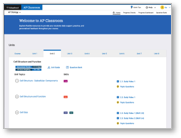
Old site structure
Home
Course Resources
Progress Checks
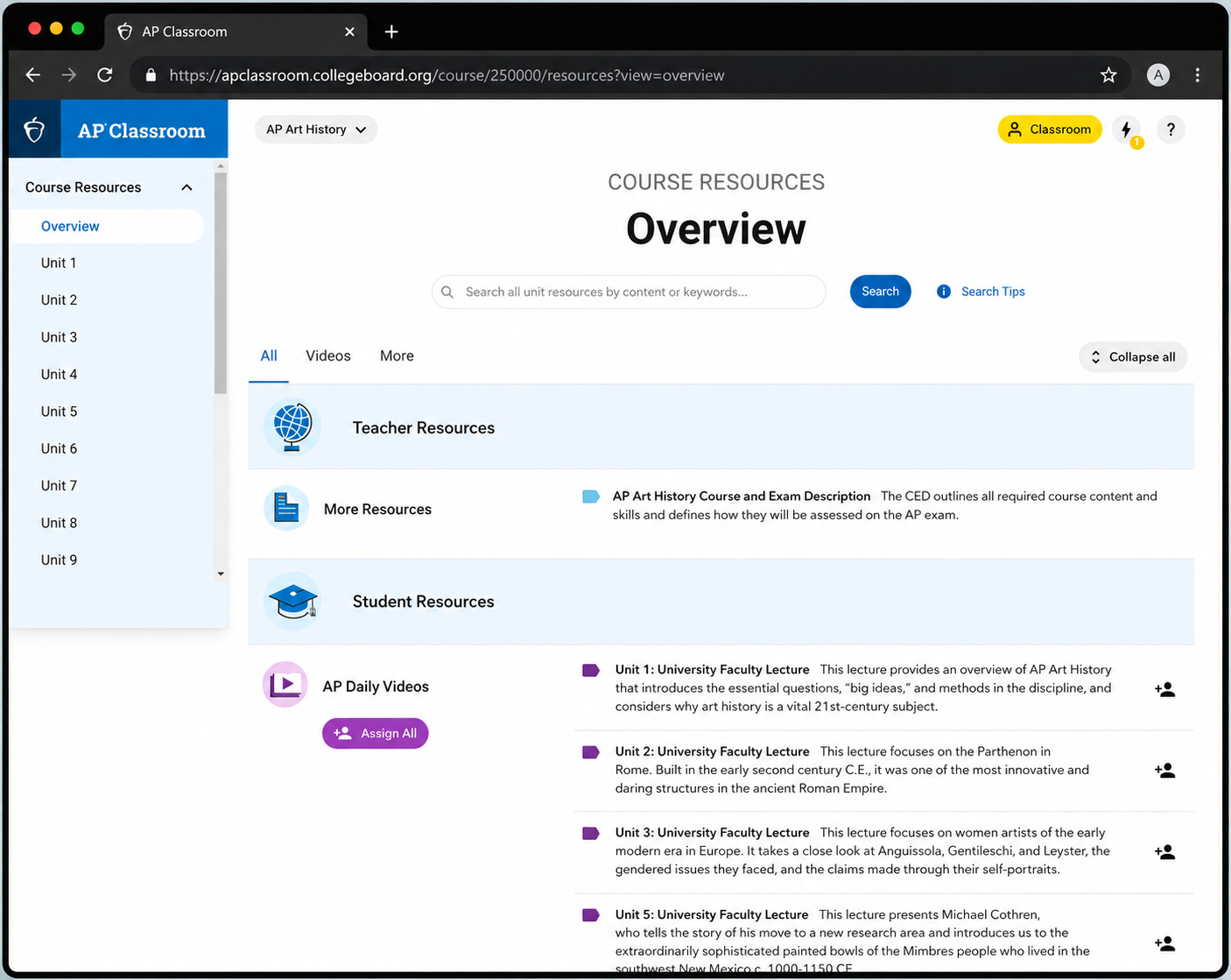
Course Resources provides access to all AP resources, grouped by course units, topics, and skills. Professional Learning resources are included here to streamline the navigation and reduce confusion.
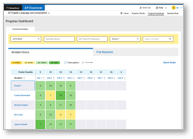
Progress Dashboard
Question Bank
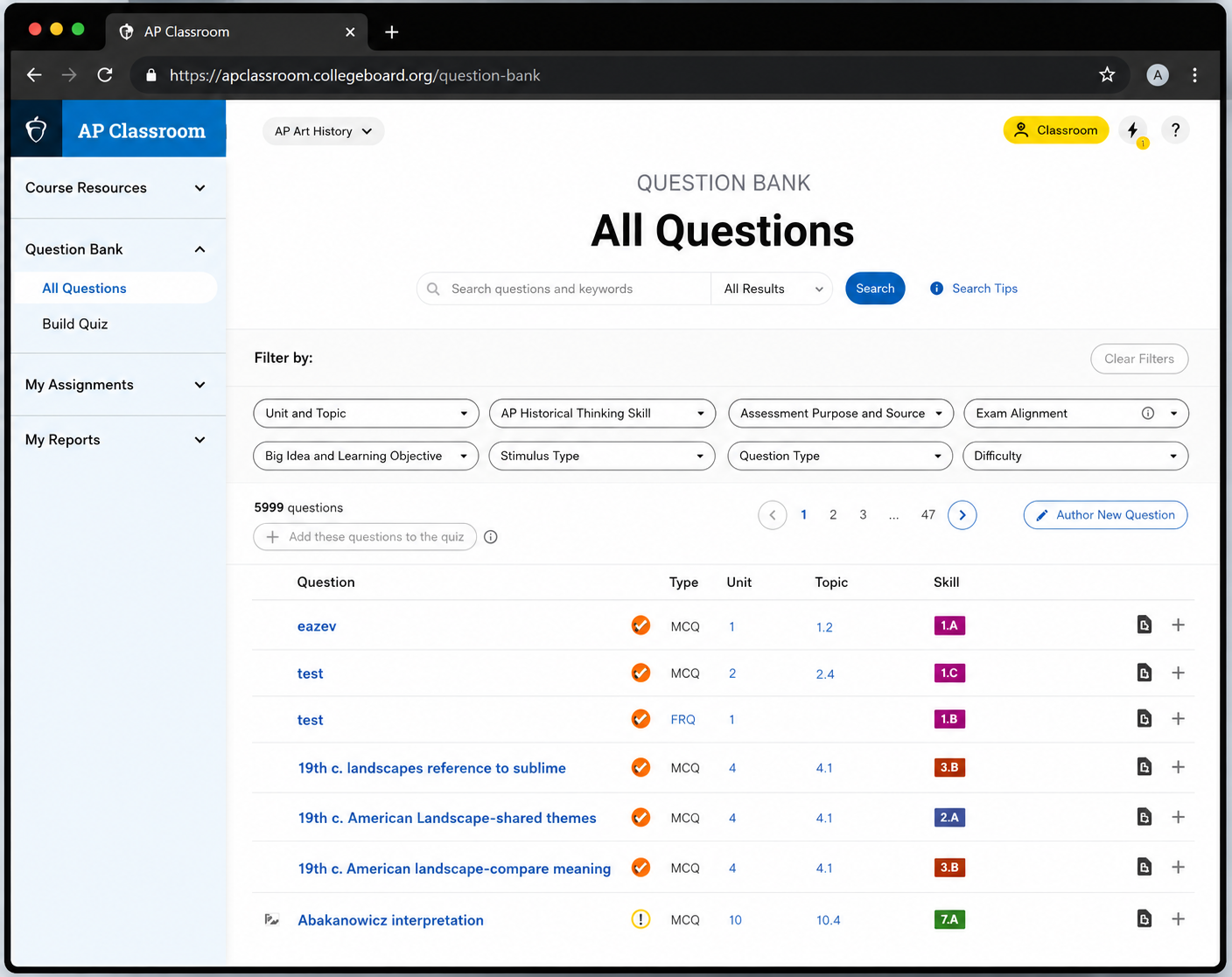
The Question Bank maintains one location for indexed AP questions and quiz creation flows with streamlined filters and search.
Question Bank
Instead of organizing navigation around individual tools, we organized it around the primary jobs teachers came to AP Classroom to accomplish.
New site structure
My Assignments
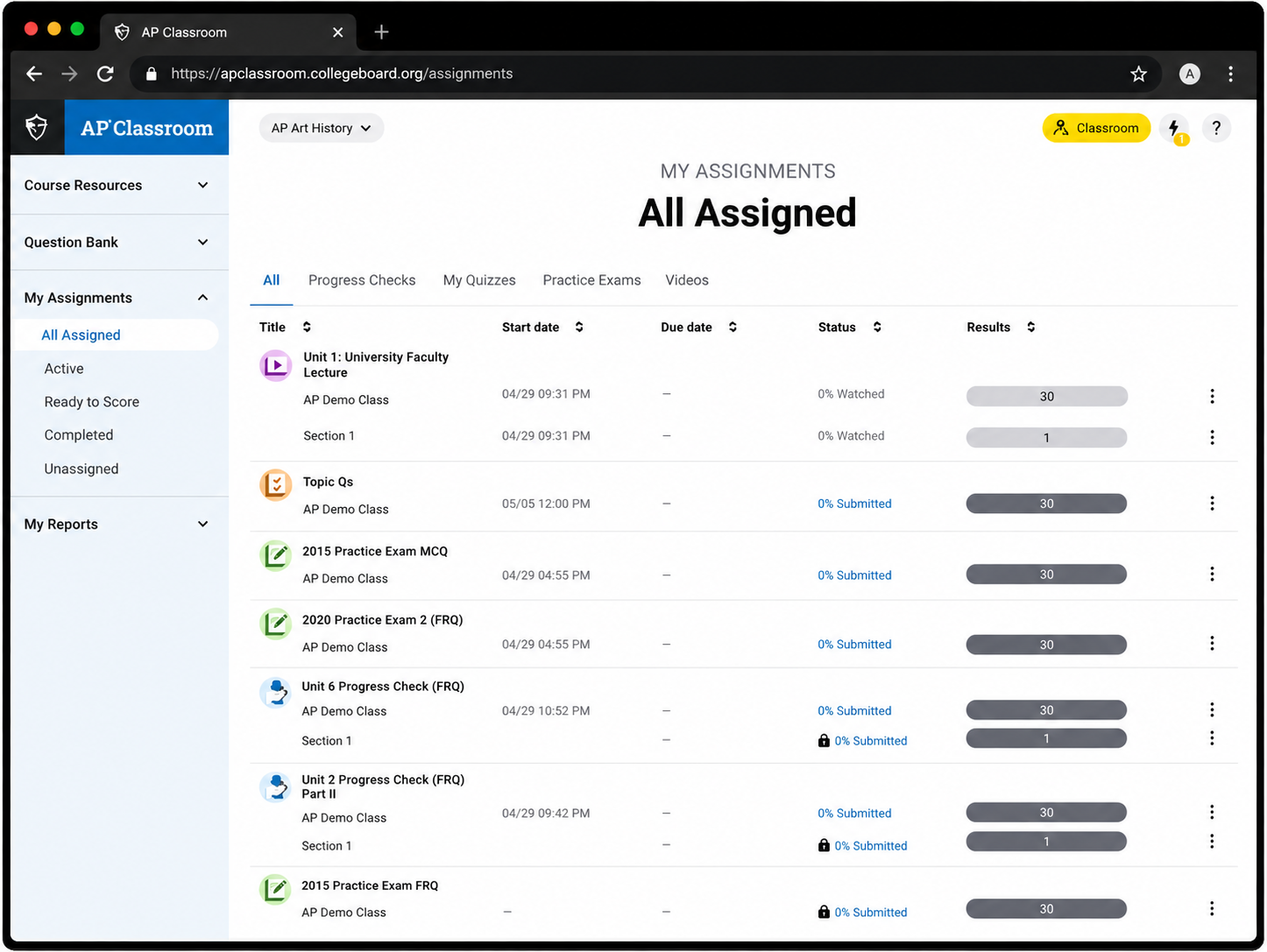
The My Assignments page centralizes everything assigned by a teacher, enabling them to view work that’s in progress and score completed assessments.
Professional Learning
My Reports
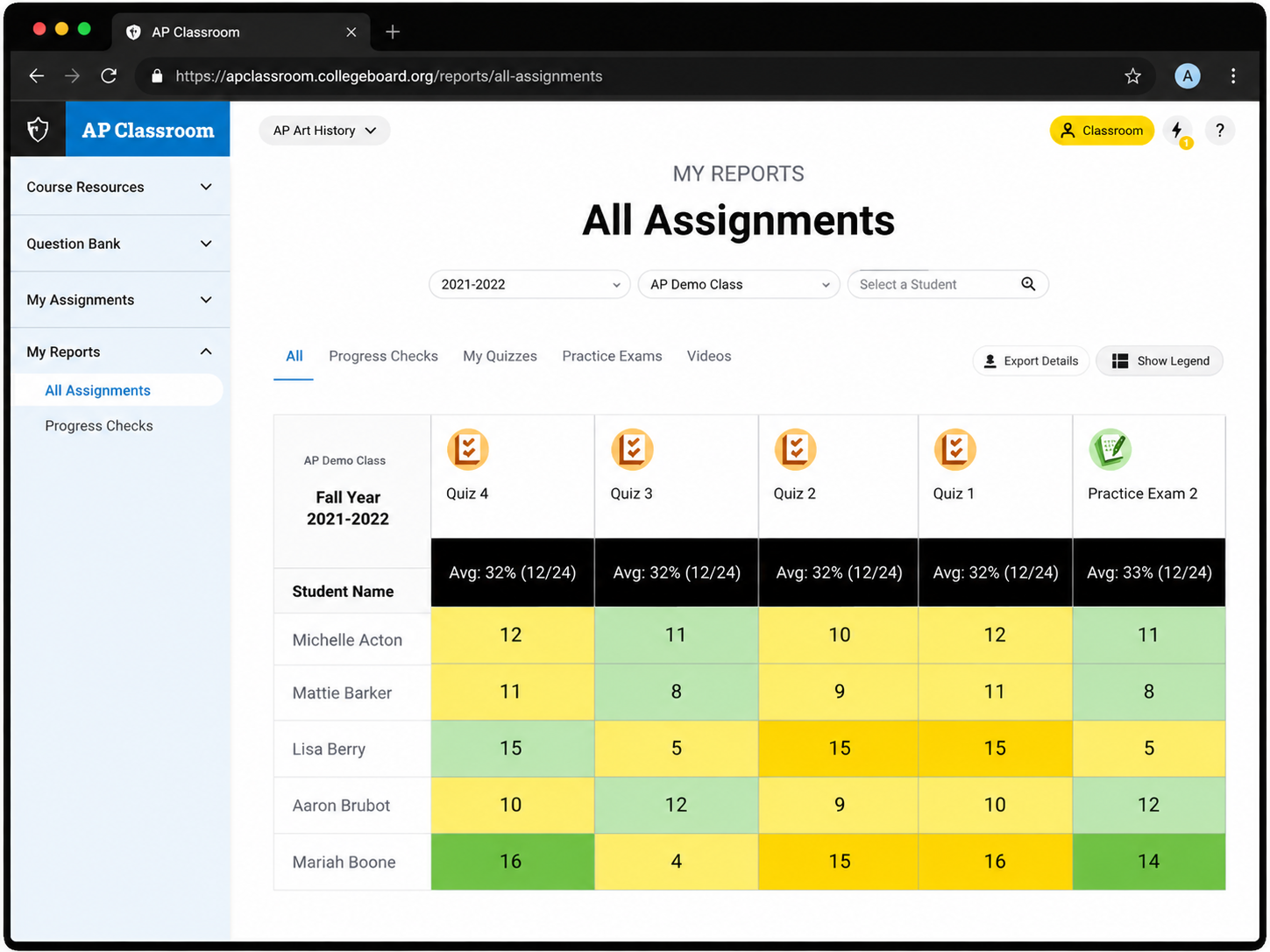
The My Reports page addresses a top request from teachers to easily view all activities in AP Classroom for each student. It provides one place to view all results broken down by student, class, and school.
Content principles
Principle
Applied in
Clear: Everything we do and say should be easily understood by all of AP’s audience, from experienced teachers to educators teaching their first AP class.
Credible: We use our data, research, and expertise to create a reliable experience for AP teachers and students, removing the guesswork.
Supportive: We provide guidance and tools to give all teachers the ability to easily navigate AP’s resources without frustration.
Inspiring: Great teachers inspire their students to dream bigger. The AP Program inspires teachers to help achieve their goals through the content we provide.
Simplified navigation labels
Consistent terminology across AP products
Task-focused organization that reduces effort
Resource discovery and professional growth opportunities
Impact
The redesign aligned AP Classroom's navigation with teacher workflows, centralized key tasks, reduced navigation complexity, and addressed several top requests identified through educator research.
Reflection
This project reinforced that content design extends beyond interface copy. By applying content strategy and information architecture principles, I was able to simplify a complex product ecosystem and create a structure that matched educators' mental models rather than internal system architecture.